Connect with approval
Pair the customer computer to your workspace once. The operator connects with its computer ID after the customer reviews and approves access.
 Remote Desk Pro
Create and verify an account, then choose a paid plan when you are ready to provide support.
Remote Desk Pro for Windows
Operators connect to paired customer PCs from one installed app. Customers review access, pause support, or disconnect when they choose.
The app is free to download from the Microsoft Store. Operator support access requires an eligible account and subscription.
See the workflow
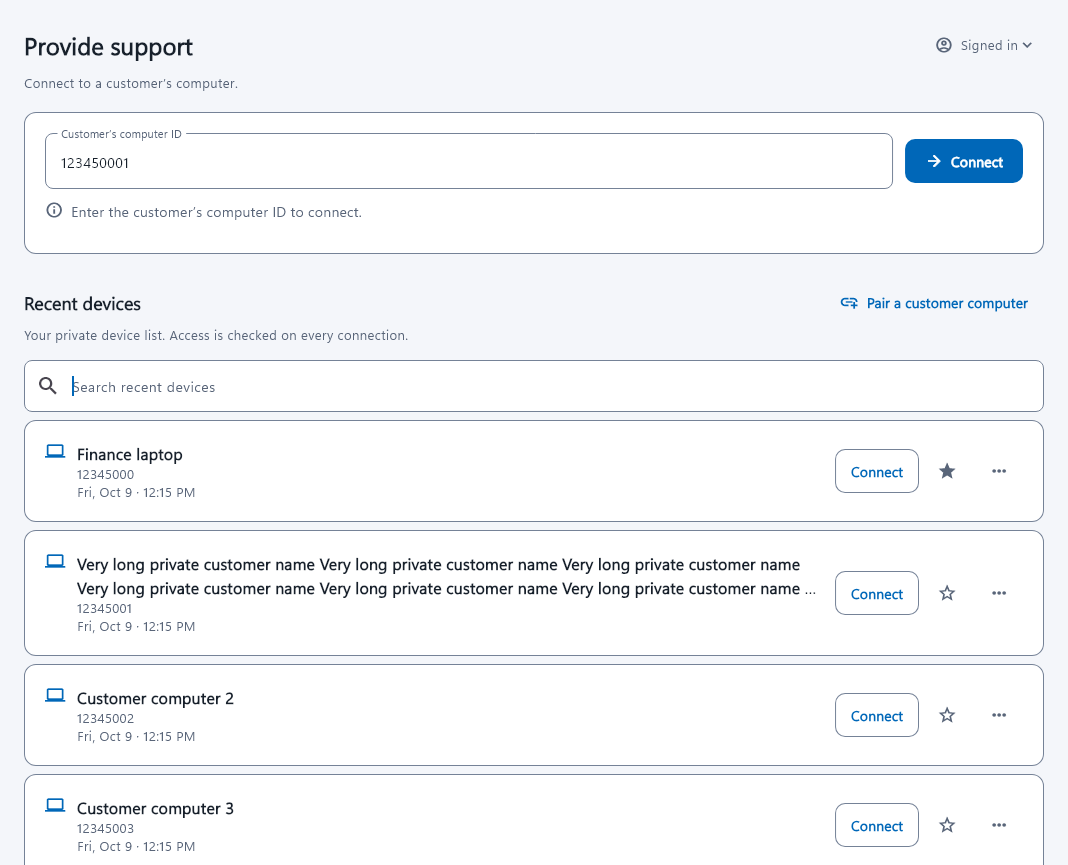
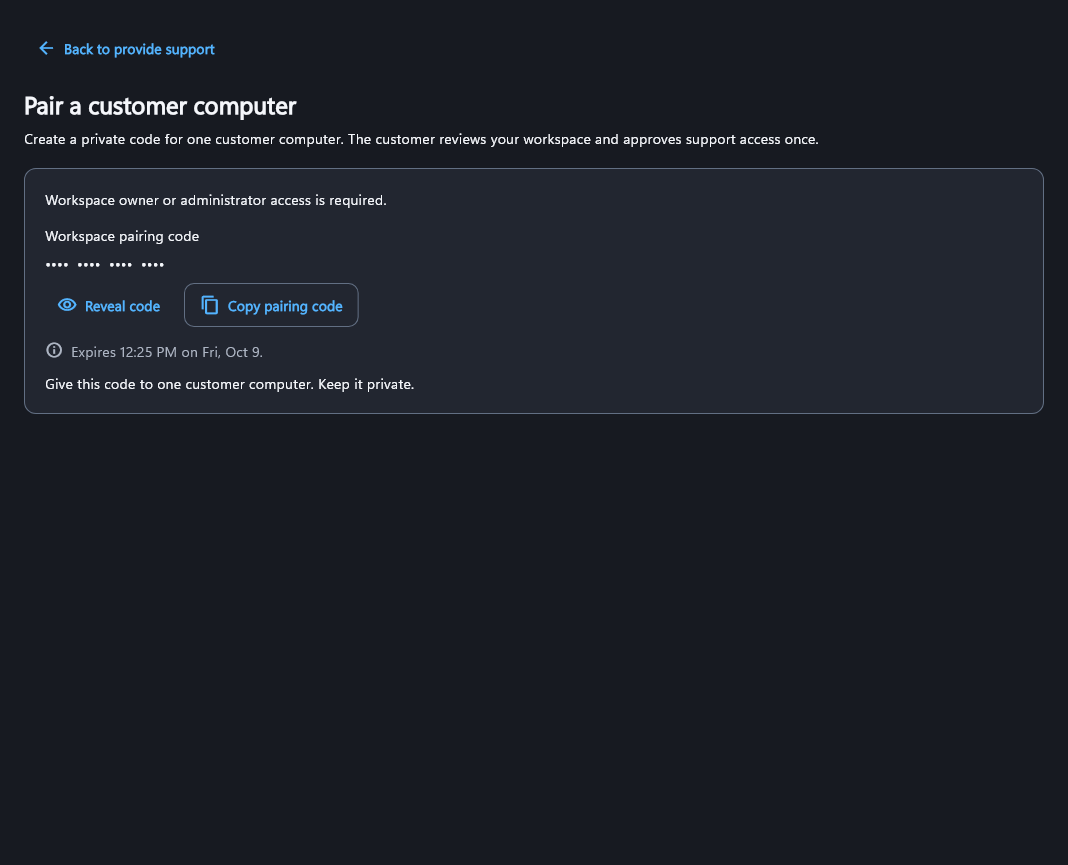
Built for real support sessions
Pair the customer computer to your workspace once. The operator connects with its computer ID after the customer reviews and approves access.
Control the remote Windows desktop, type, and share files with drag and drop or clipboard when the approved policy allows it.
Either participant can disconnect. The customer can pause receiving support, and the operator can quit from the tray.
How it works
For operators
Sign in once, reconnect from recent devices, and keep the support workflow in one Windows application.
For customers
Receive support without an operator account or separate subscription. Review pairing, pause receiving, or disconnect the active session from the customer PC.
Control stays visible
Starter
Choose $4.99 per month or $49 per year, plus applicable taxes. Each interval includes one operator, ten enrolled endpoints, one concurrent control session, and 10 GiB of relay traffic per UTC calendar month.
View pricing, limits, cancellation and refunds
Create and verify an operator account, then purchase an eligible plan to provide support. Download availability does not guarantee eligibility to purchase or connect.
Questions answered
No. The customer installs the app, reviews the workspace pairing request, and approves support on that computer.
No. Pairing, current customer approval, workspace policy, and operator eligibility are checked before a session can start.
Yes. The customer can pause receiving support or disconnect an active session.
Approved sessions can use drag and drop or clipboard transfer according to the active support policy and Windows permissions.
Your request is reviewed before we invite you to set up an operator account. The Windows app is free to download; providing support requires an eligible account and subscription. An invitation is sent only after approval.
Ready when your team is
Download the approved Windows app from the Microsoft Store. Operator support access requires an eligible account and subscription.
Get it from Microsoft Store Read the support instructions
Need operator access? Create operator account